Managing undelivered Beneficiary Notification Letters
CMS requires ACOs to send Beneficiary Notification Letters (BNLs) to newly aligned members quarterly, and to follow up on any undelivered mail. Mabel's Streamlined Beneficiary Notification LettersTM make that follow-up easier than ever.
Four steps to resolve undelivered BNLs
Download the List of Recent Undeliverable BNLs
- Log into app.getmabel.com
- Under Dashboards, select "Compliance"
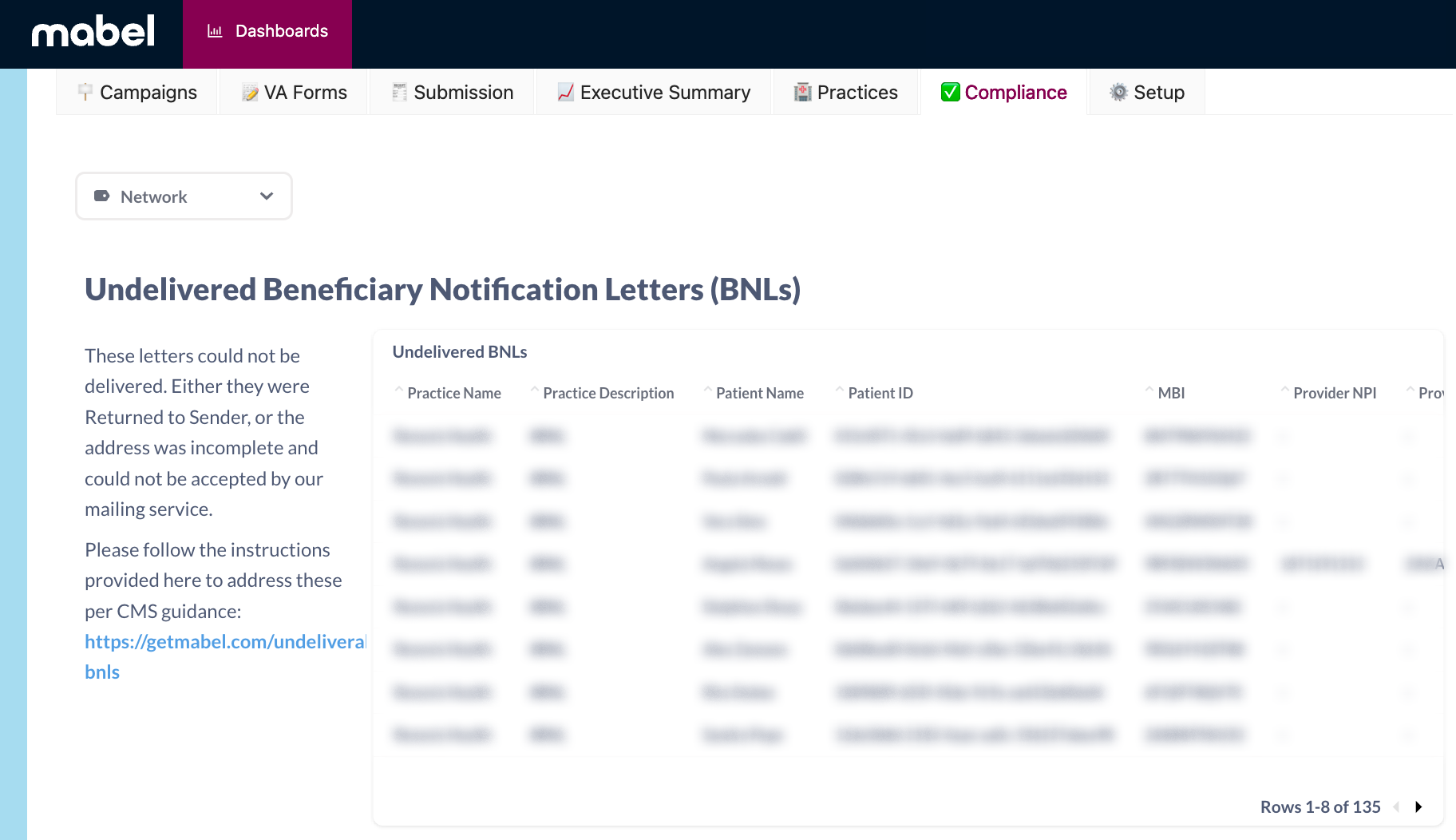
- Scroll down to "Undelivered Beneficiary Notification Letters"
- Select the ••• in the top right
- Choose "Download Full Results .xlsx"
- Filter the spreadsheet based on the most recent BNL mailing
Get Oriented
The downloaded spreadsheet (.xlsx) contains a number of important columns:
- Patient demographics (name, MBI, birth date, undelivered patient address)
- Provider information (provider name, NPI)
- Send date (filter for most recent mailing date)
- Other patient addresses on file (Column L)
Spreadsheet columns to complete: Column N (PCP or patient contact notes), Column O (updated address).
Update the Spreadsheet (Columns N & O)
Every row in Column N needs to be completed per CMS guidance. For Column O, only include updated addresses — leave blank if another address is not available.

Upload Completed Spreadsheet to Mabel
After all rows for Column N have an entry, upload the completed spreadsheet to Mabel.
Upload your completed spreadsheet to getmabel.com/upload.
If you have any questions about this process or policy, please reach out to your account manager or support@getmabel.com.
CMS guidance & Mabel's policy
For reference, here's the CMS guidance on this topic, along with Mabel's recommended beneficiary notification letter policy that can be added to your ACO's handbook.
"If a letter is returned, the DCE should check with the beneficiary's primary care provider (PCP) for a recent change of address or alternate address. If there is a different one, re-mail the annual beneficiary notice to that address. If there is not a different address, ask the PCP to contact the beneficiary by phone to obtain a current address or ask the PCP provide the DCE with the beneficiary's phone number. If the letter is returned a second time, document your file accordingly. You may scan the returned envelopes as documentation."
Mabel's Beneficiary Notification Letter Policy
Our third-party print vendor will provide us with a list of beneficiaries whose Beneficiary Notification Letters are returned to sender based on their USPS delivery status. We will electronically query or contact the beneficiary's primary care provider (PCP) for a recent change of address or alternate address and document that contact. If the PCP does not have a different address, we will attempt to contact the beneficiary by phone to obtain a current address. A Beneficiary Notification Letter will then be mailed to all updated addresses. Any subsequently returned letters will also be documented by their USPS delivery status.
Questions about this process?
Your account manager or our support team can help.
support@getmabel.com · Mon–Fri, 8am–6pm PT